WindFire Designs Circle Tools
Stainless steel circle templates for every maker.
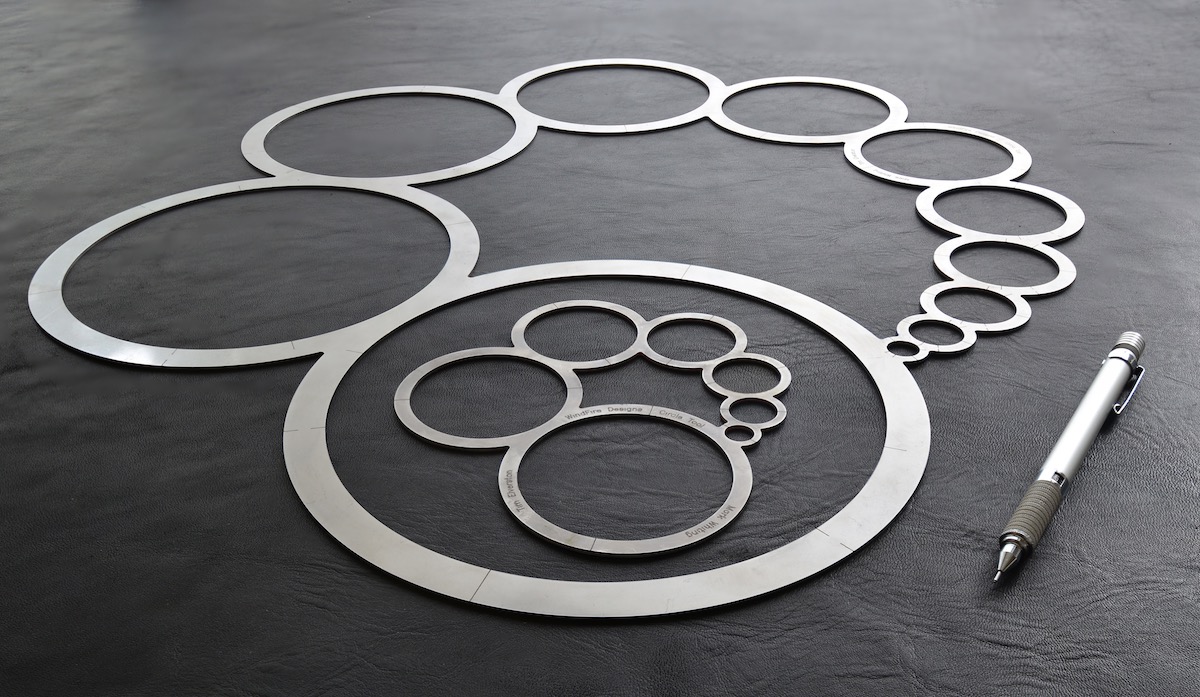
Circles are hot. Stainless steel is cool.
Buy Circle Tools
WindFire Designs Circle Tools are made for beautiful circles. Specifically designed for countless uses, they provide elegant and precise utility.
Graceful progressions of sizes in curated sets of circles find a balance of scale between the maker, the studio, and the work.
Quickly center circles within circles using nested inner and outer perimeters. Use both the inside and the outside edges during design, marking, alignment, and fabrication.
Made from low-conduction, hard stainless steel which provides durable guides for blade cutting and leaves heat in the tips of hot cutting instruments for consistent beautiful lines, clean edges and rapid cuts.
Ergonomic and stable, they stay right where they're placed—leaving your work visible, your body safe and out of the way.
Beautiful archival tools, made for many lifetimes of service, and to be passed down through generations.
Two models, sized around making.
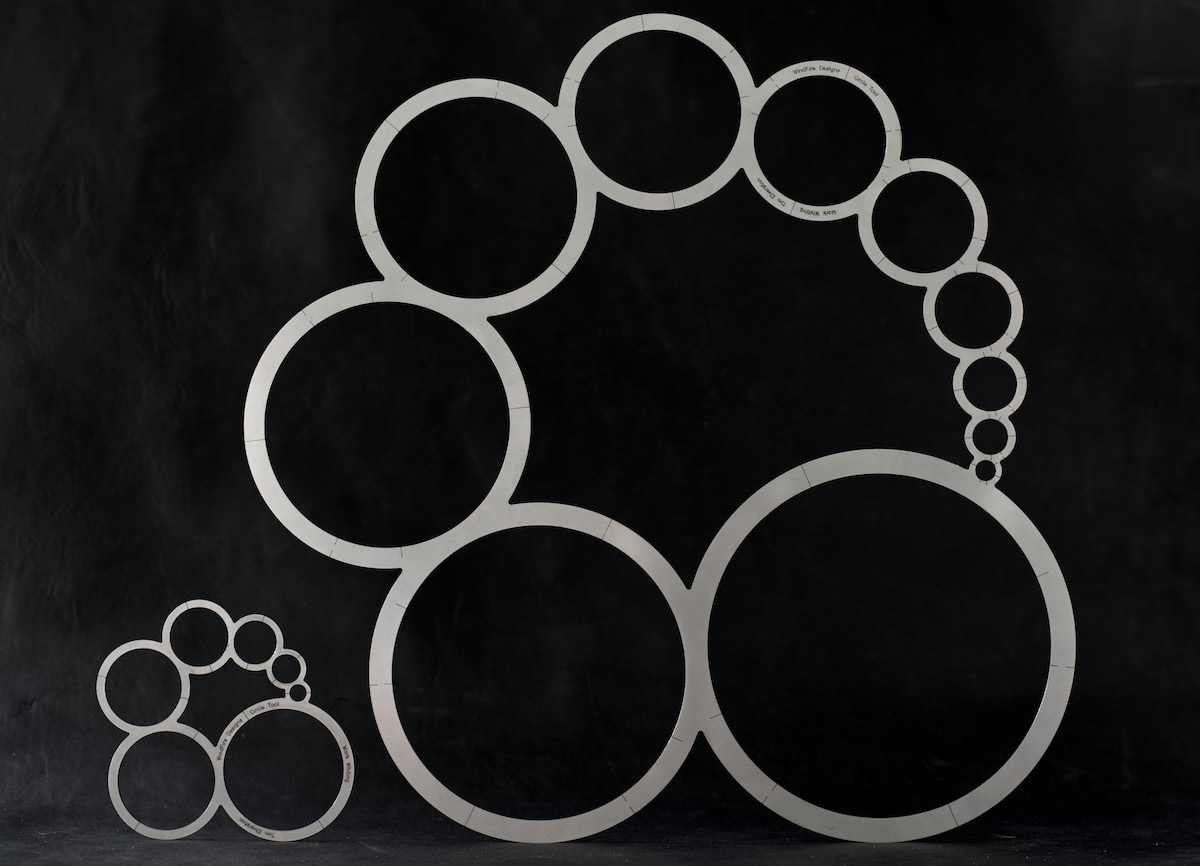
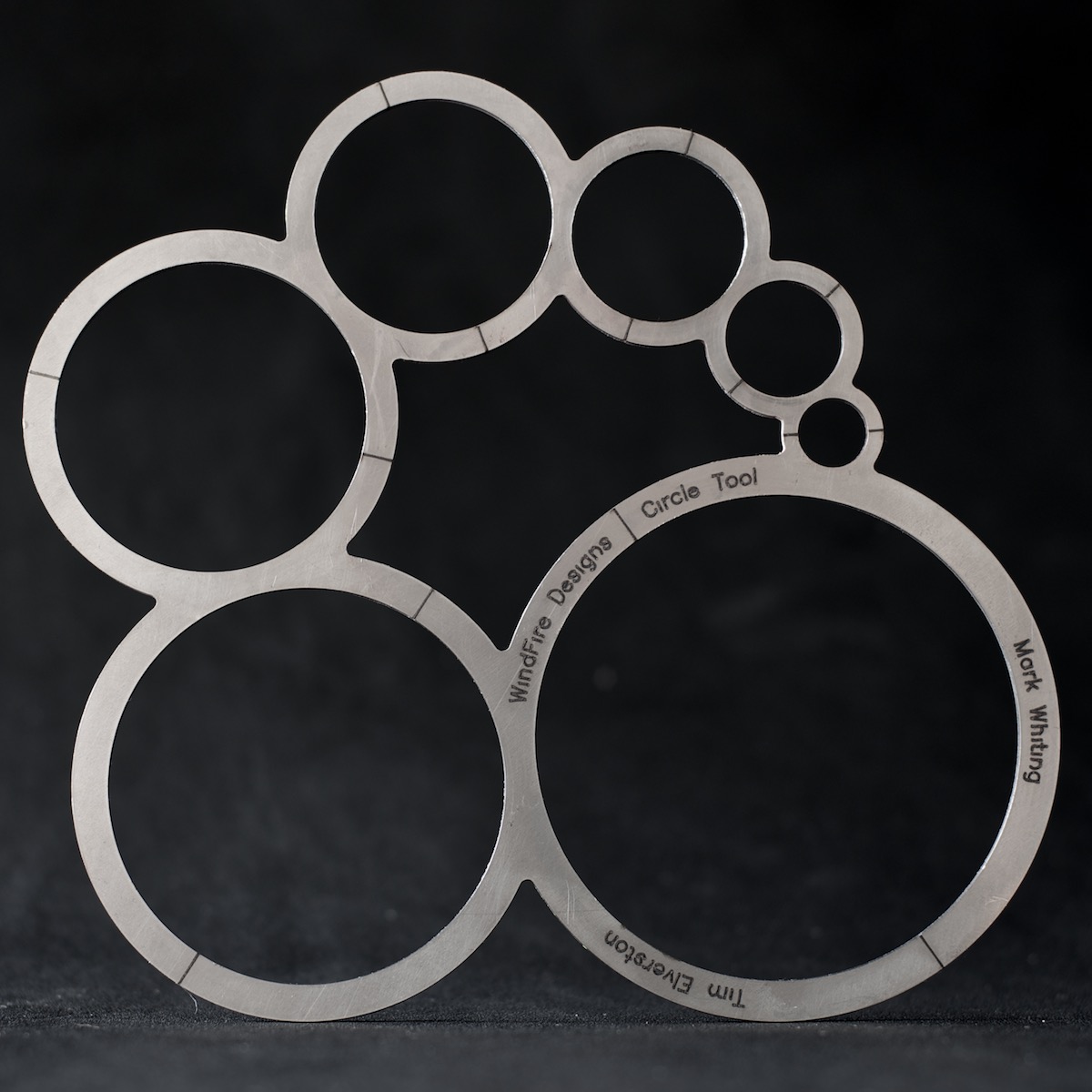
Scaled to the maker, the studio, and the work.
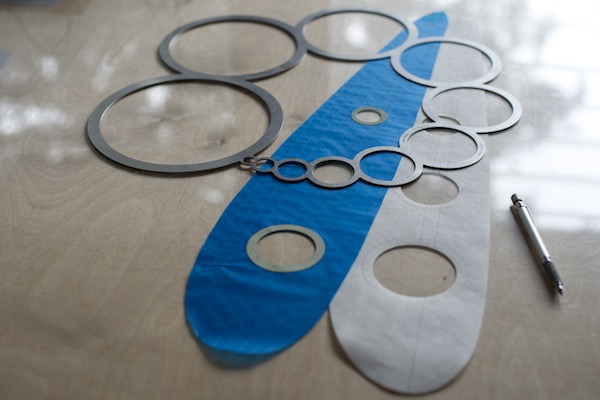
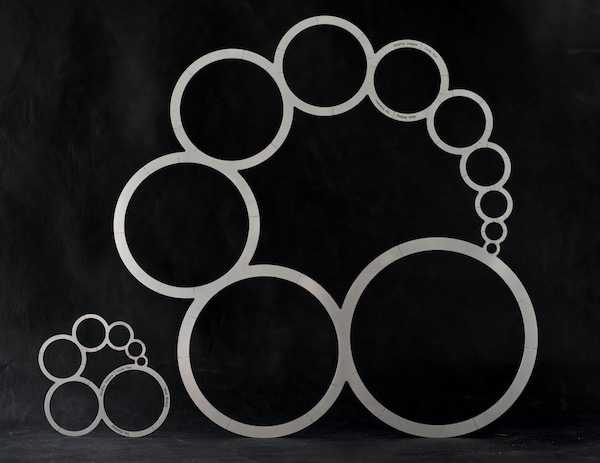
Above, model CTØ7. Originally designed around the requirements of a kite maker's studio, its bisector markings allow semi-circles and quickly finding centers.
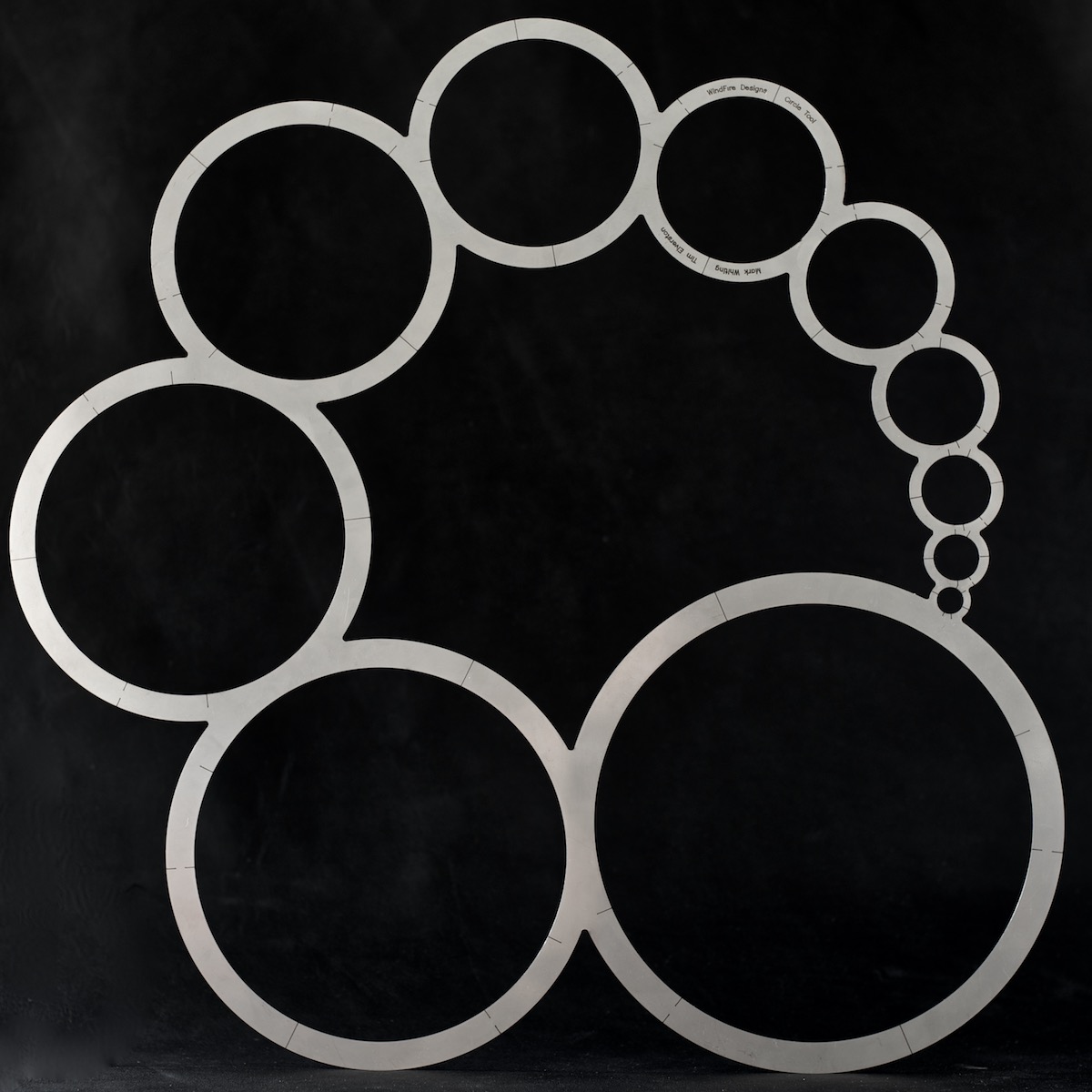
Below, model CTØ11, a larger tool designed for greater range. In addition to bisectors, it adds markings for quarters and the elusive thirds divisions.
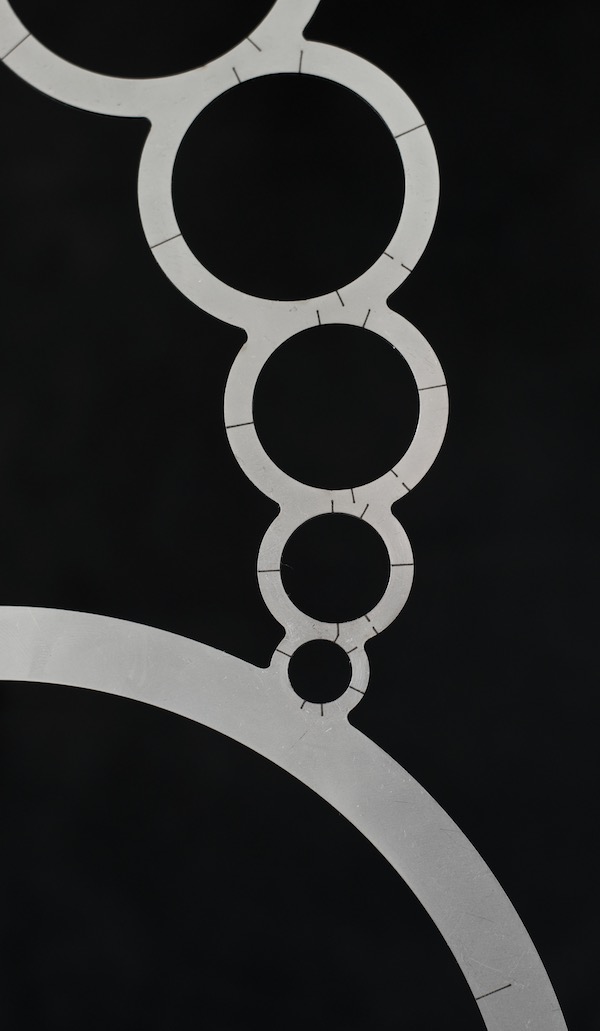
Marked for precision
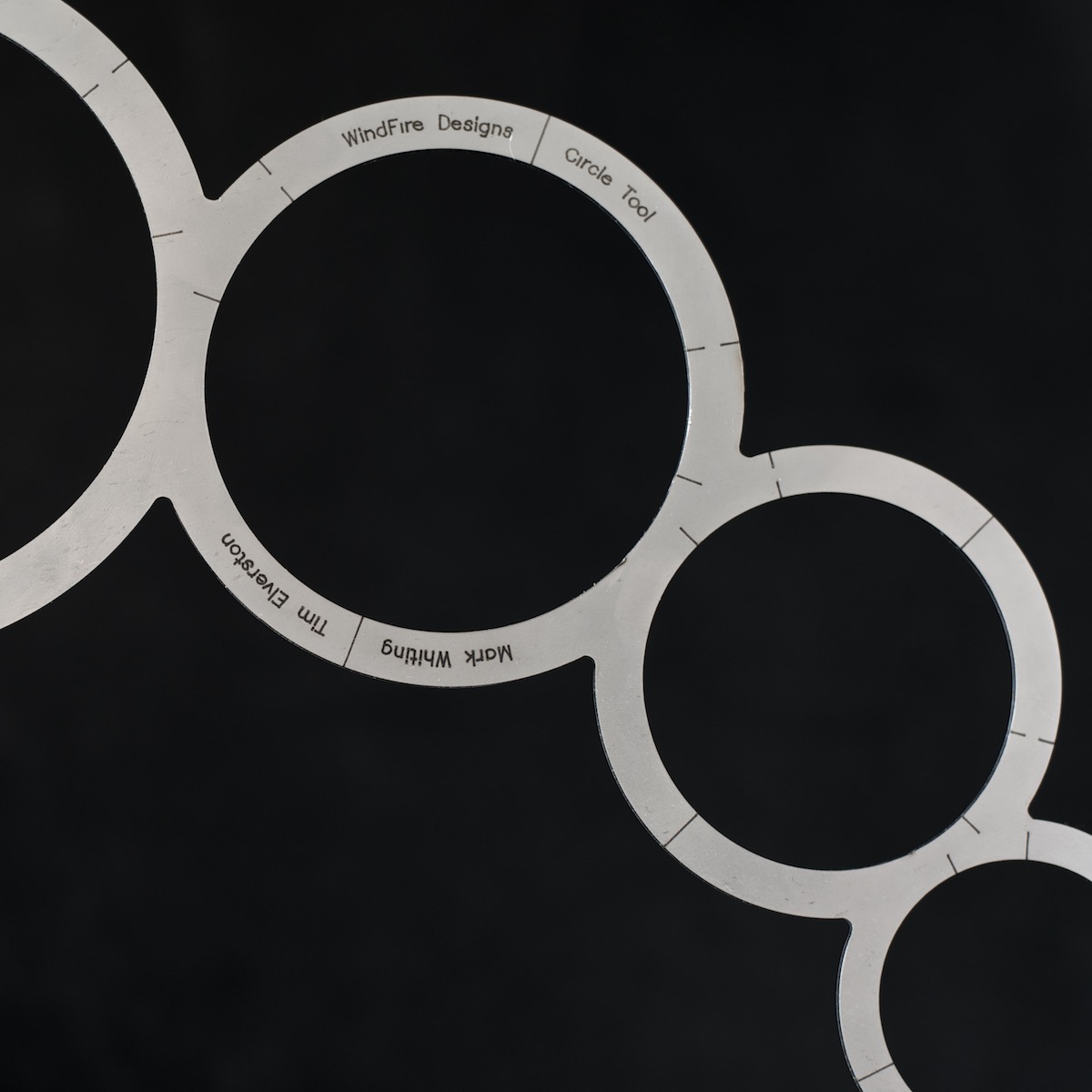
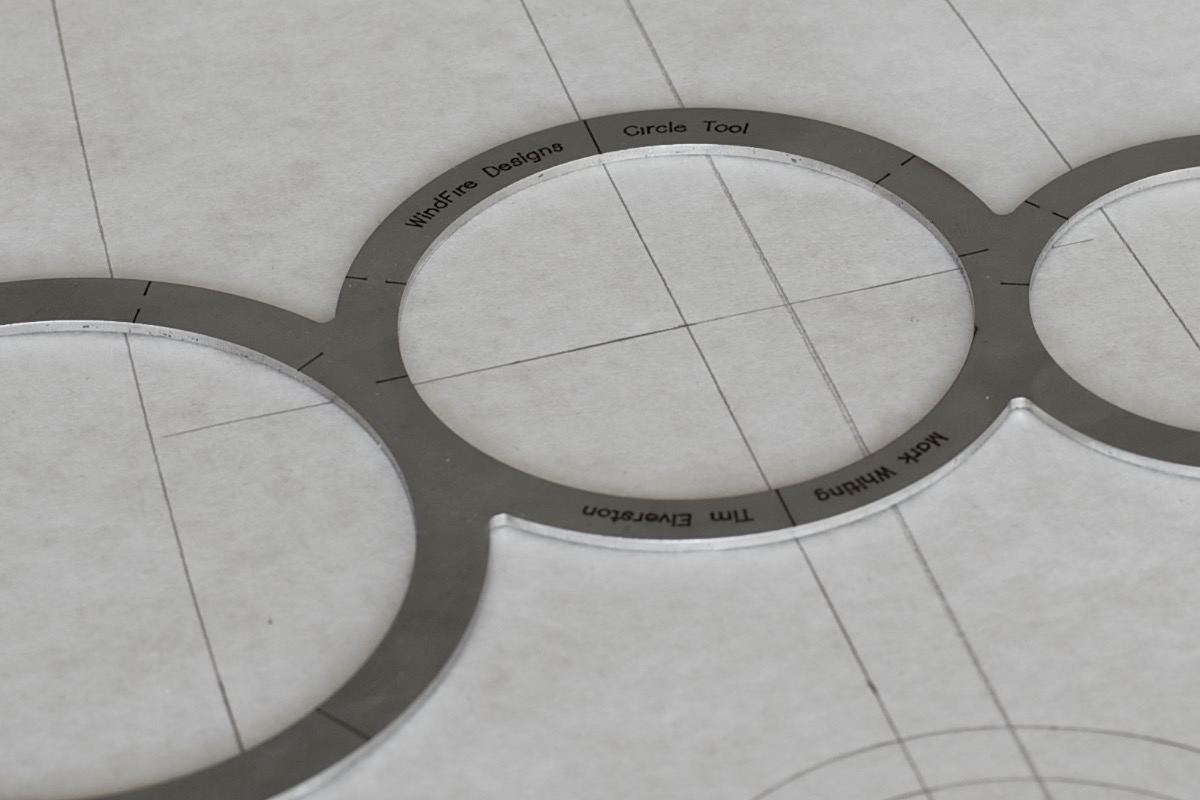
Unlike more common surface-etched marks, the reference marks on WindFire Designs Circle Tools are micro-welded below surface level.
In fact, the marks in the stainless steel are made first. Then, without moving, the tool is cut. This means their alignment is absolute, and their durability is unmatched.
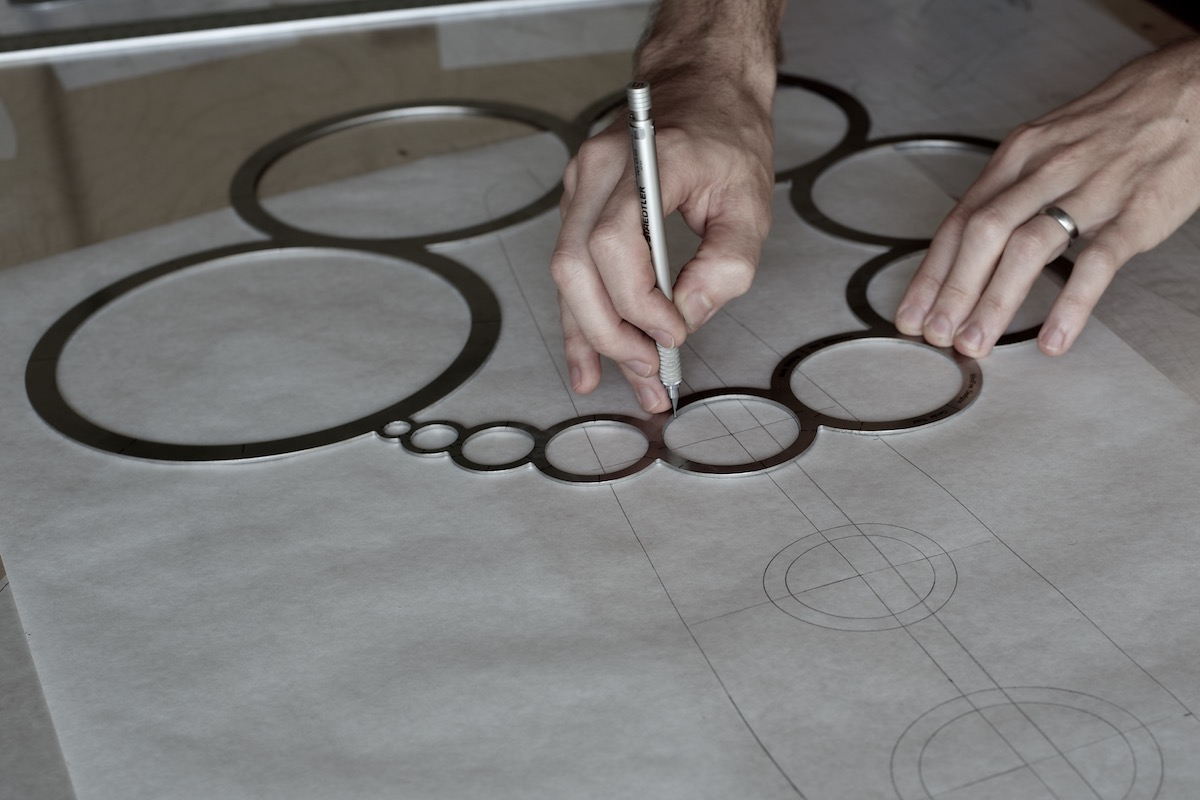
Use them to design.
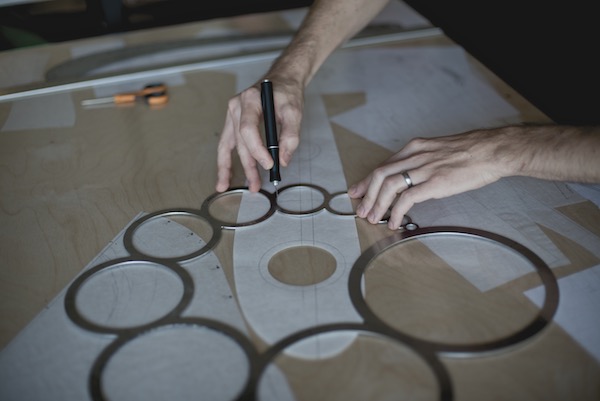
Use them with heat.
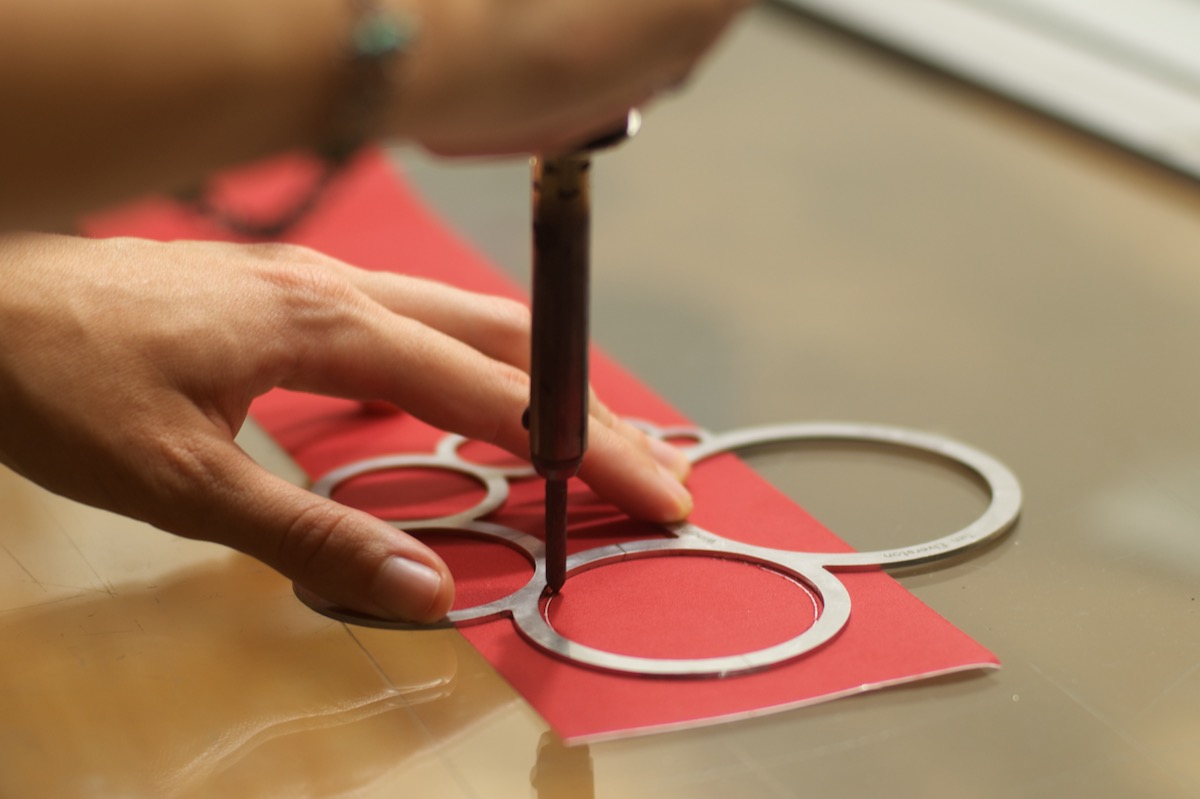
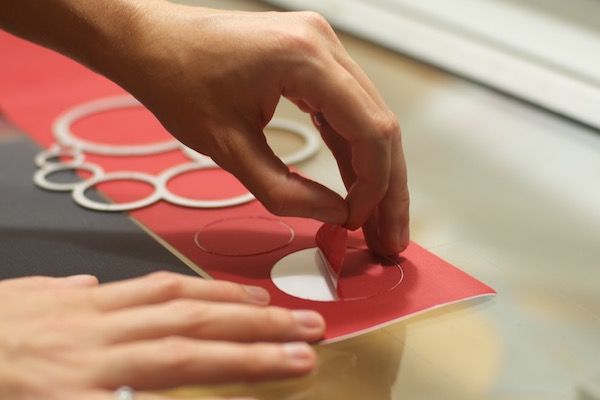
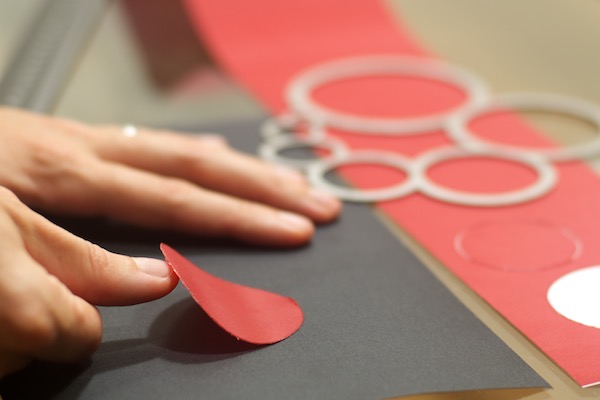
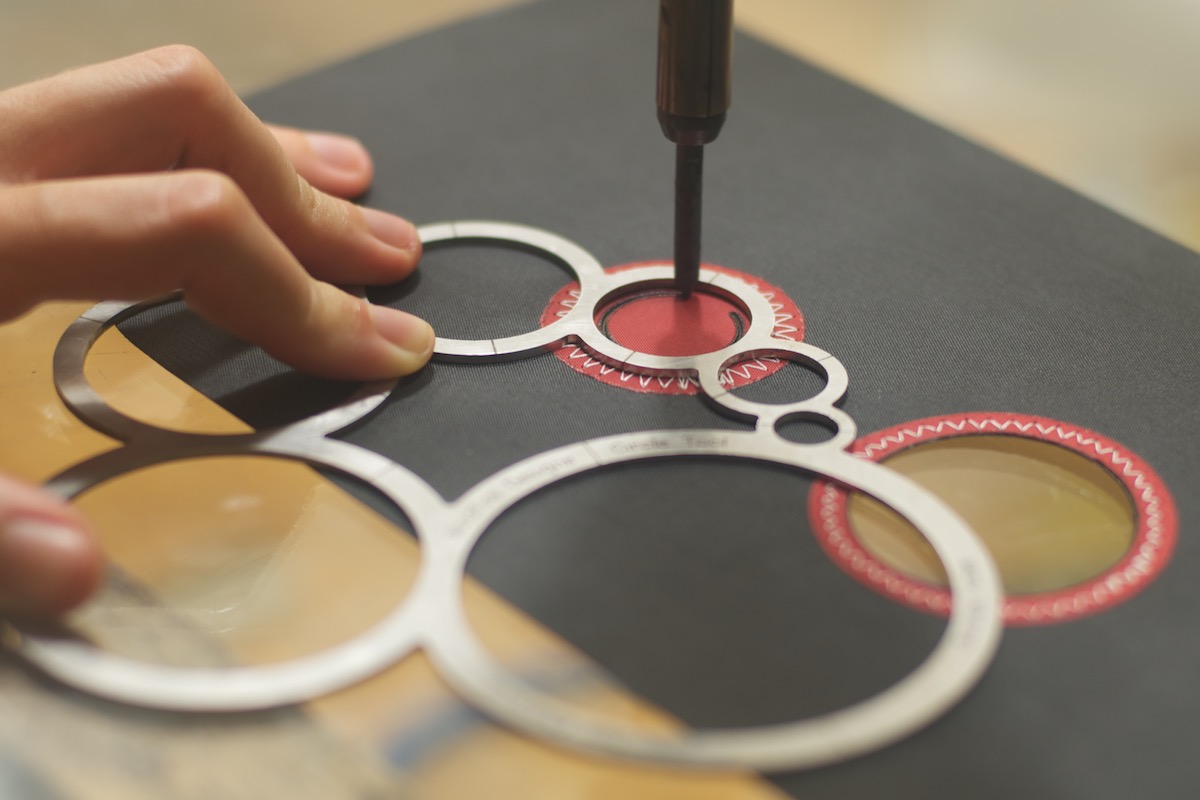
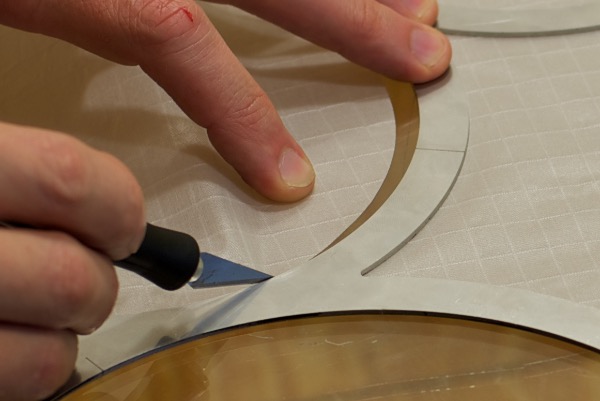
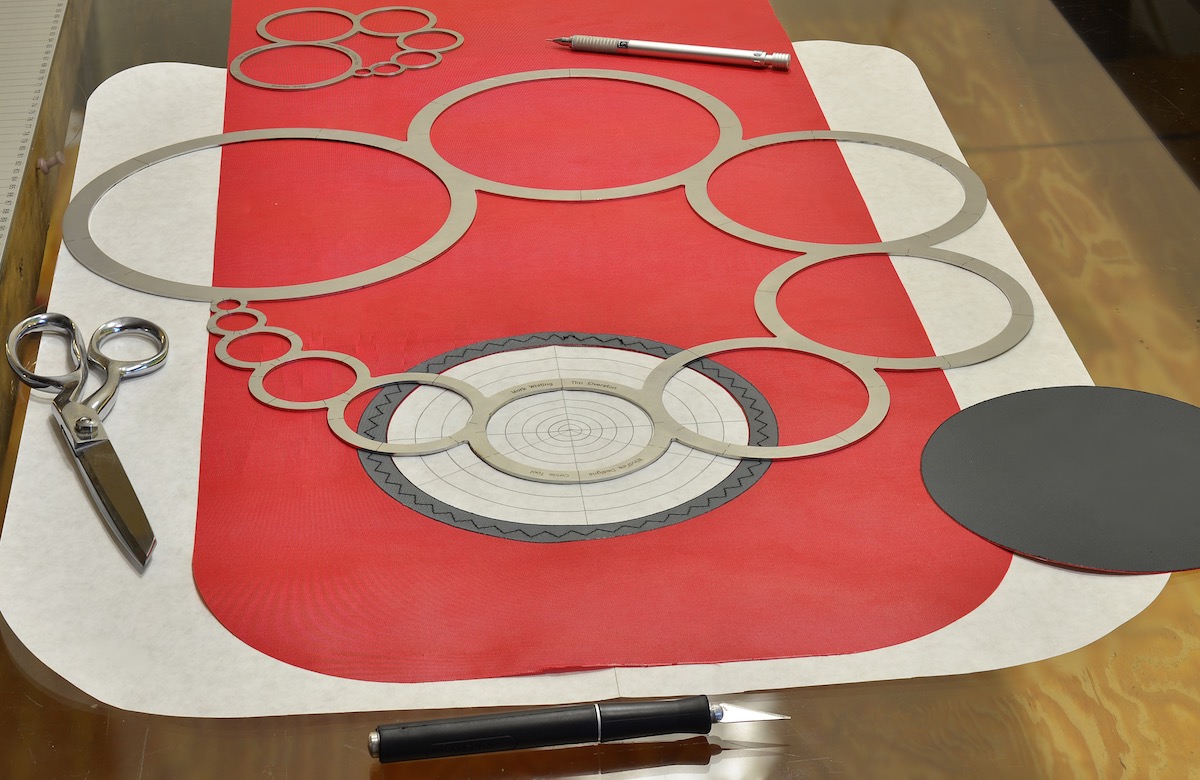
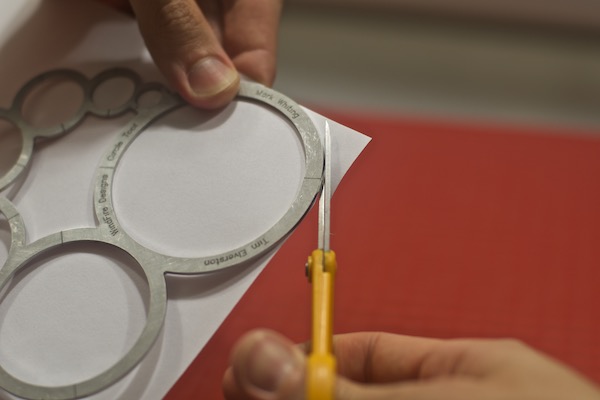
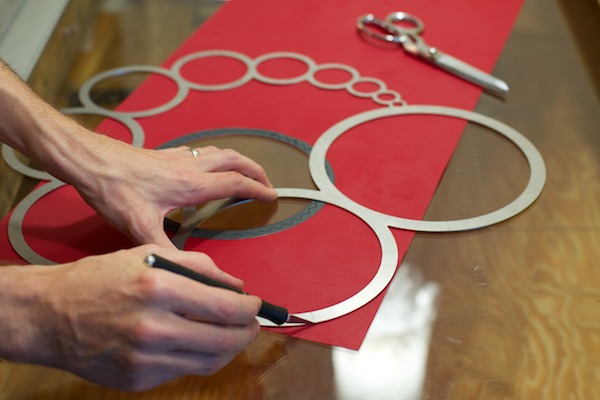
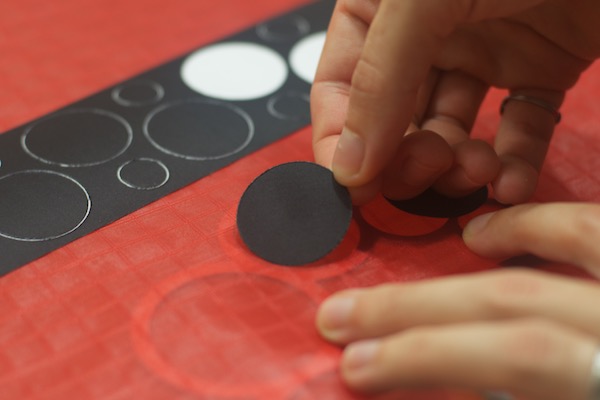
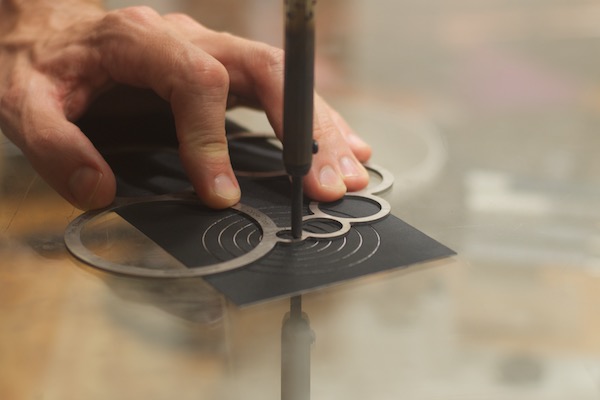
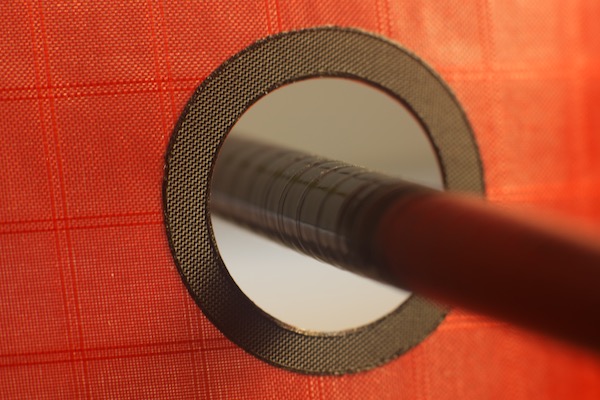
Below we demonstrate how to make a reinforcement around a hole in fabric. When cutting with heat, we recommend cutting a synthetic material on a tempered glass surface. The red shown here is self-adhesive polyester with a paper backing.
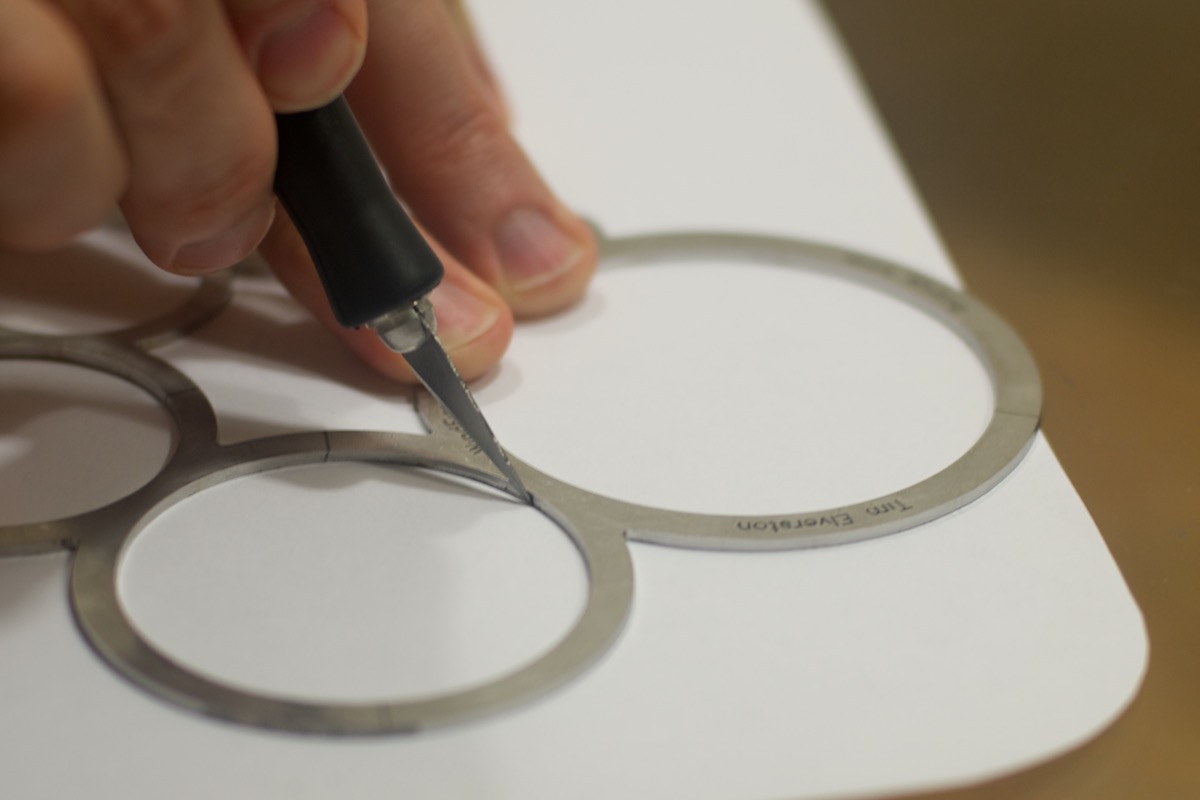
Use an industrial hot knife, or a simple 15w-45w soldering iron to cut almost any synthetic cloth or film. Below, we glide through the polyester, leaving paper backing uncut.
Sewing in circles.
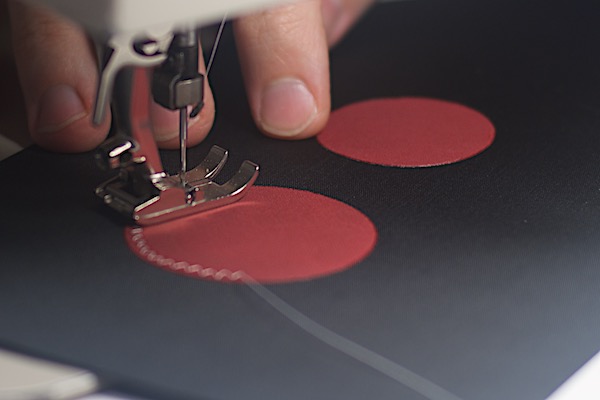
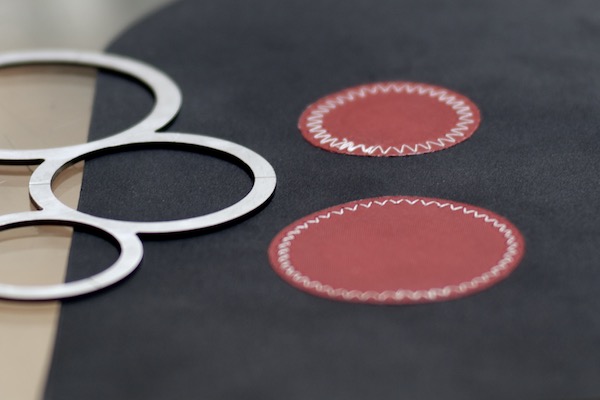
Place your circles precisely. Hot or cold cut perfect circles from almost any cloth. Spray adhesive, or sometimes soapy water can be used to keep them in place.
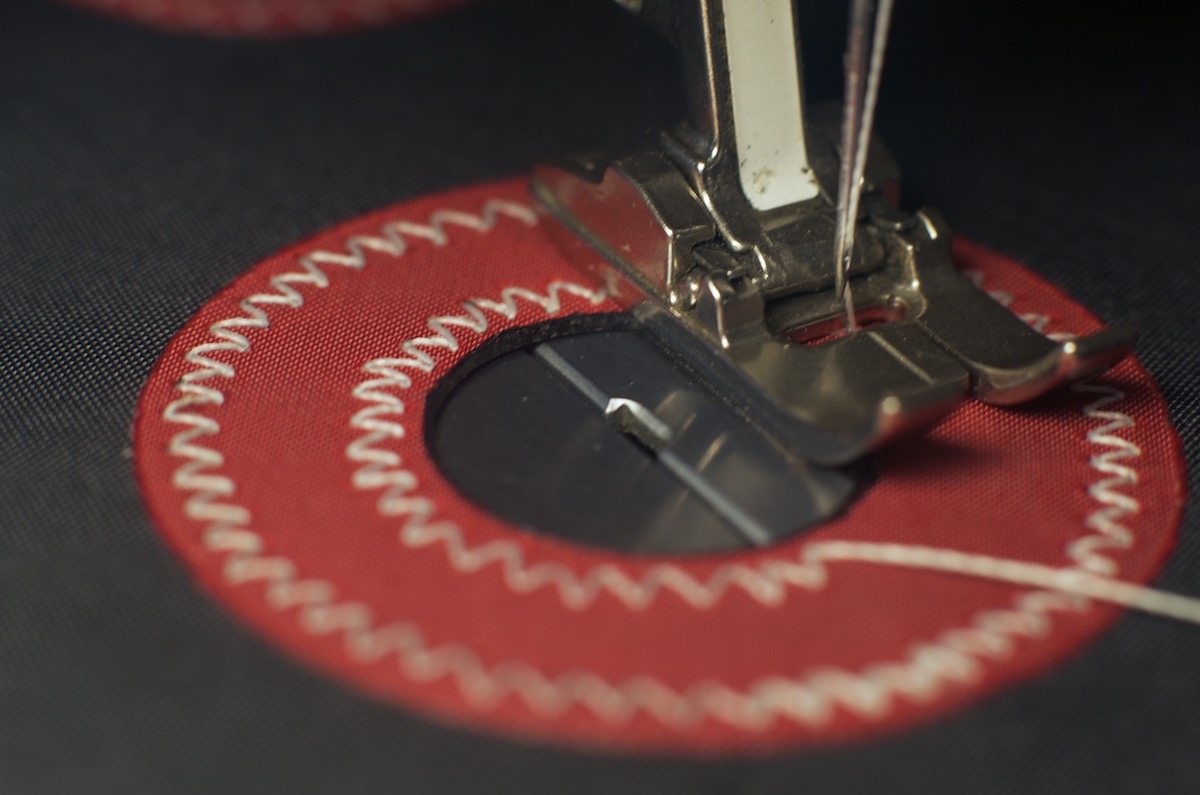
Adjust your stitching to fit the margin and radially sew around the circle. Use the WindFire Circle Tool to draw a pencil line showing the inner circle as a sewing guide.
Natural increments.
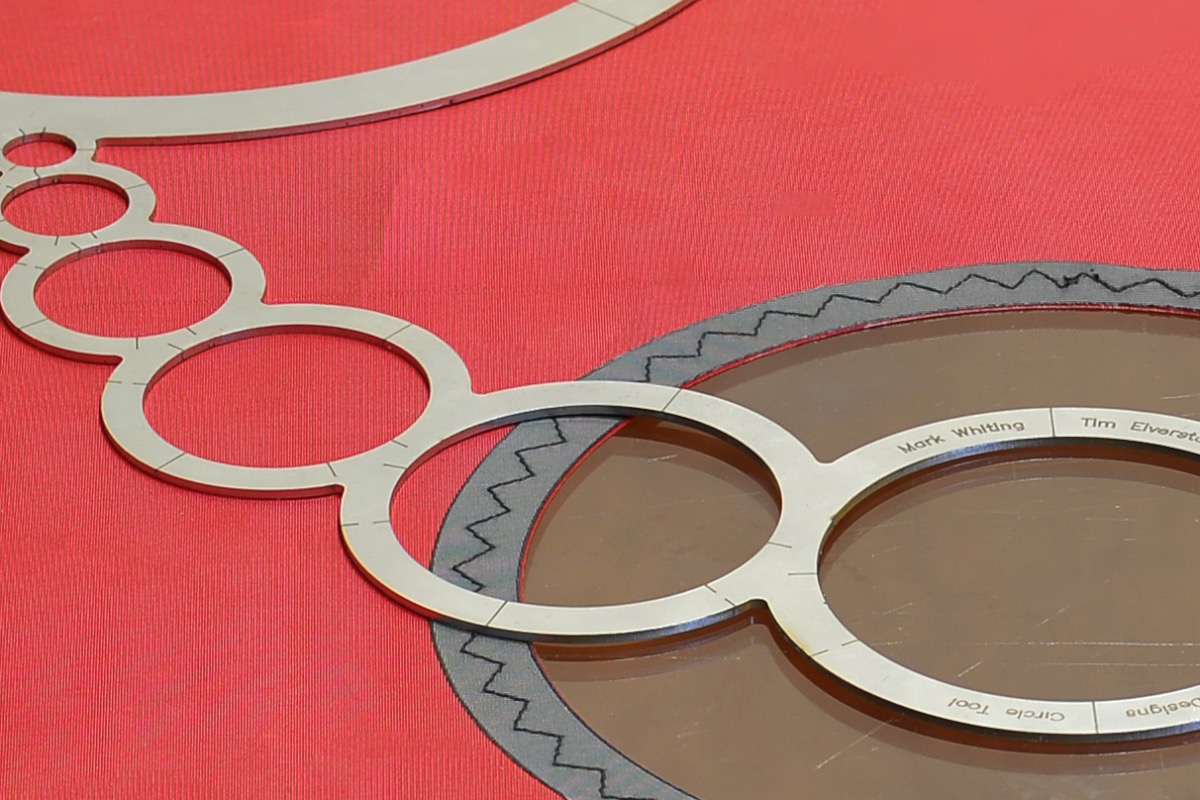
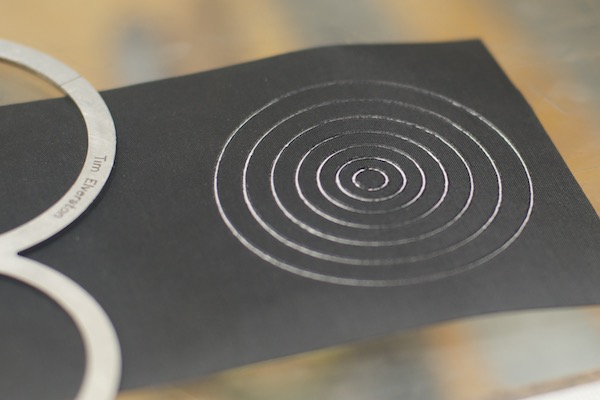
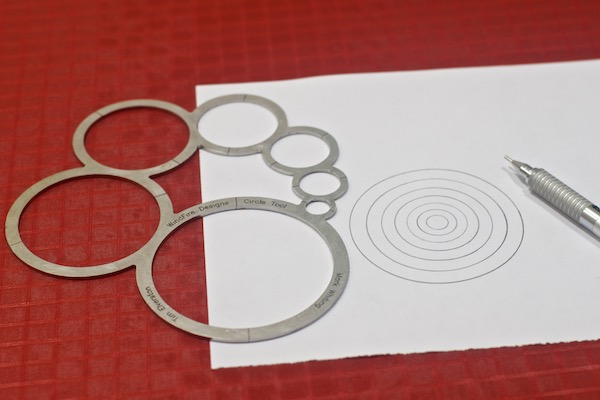
The inner size of each circle matches the outer perimeter of the next size down. We included a tool offset to account for the working tips of your instruments. Concentric alignment is fast and precise.
For wider margins, simply skip sizes. Alignment is nearly effortless. The ability to work with either the inside or the outside perimeters of the circles means your work, and your fingers are protected.
Circles with your favorite instruments.
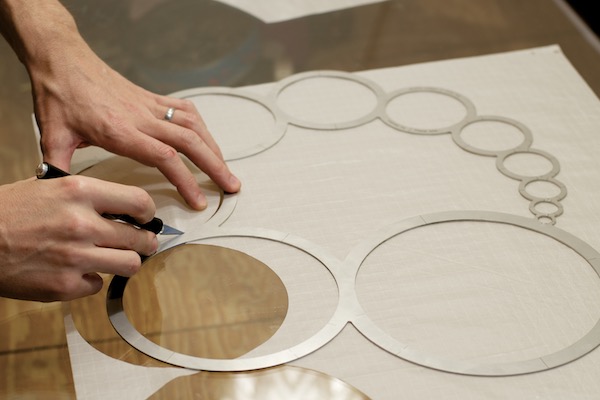
As a stainless steel template, WindFire Designs Circle Tools provide confident guides for all kinds of drawing and cutting, hot or cold.
Comfortable in the studio.

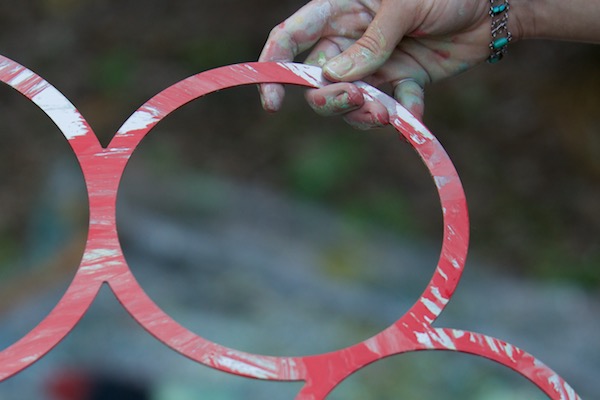
WindFire Designs Circle Tools are impervious to almost everything. They stand up to heat, paints, ceramics, and all kinds of chemicals and solvents.
Smooth stainless steel releases almost any kind of pigment or ink when it's wiped away while wet. Markings remain untouched even after heavy cleaning is required.

Around the corners.
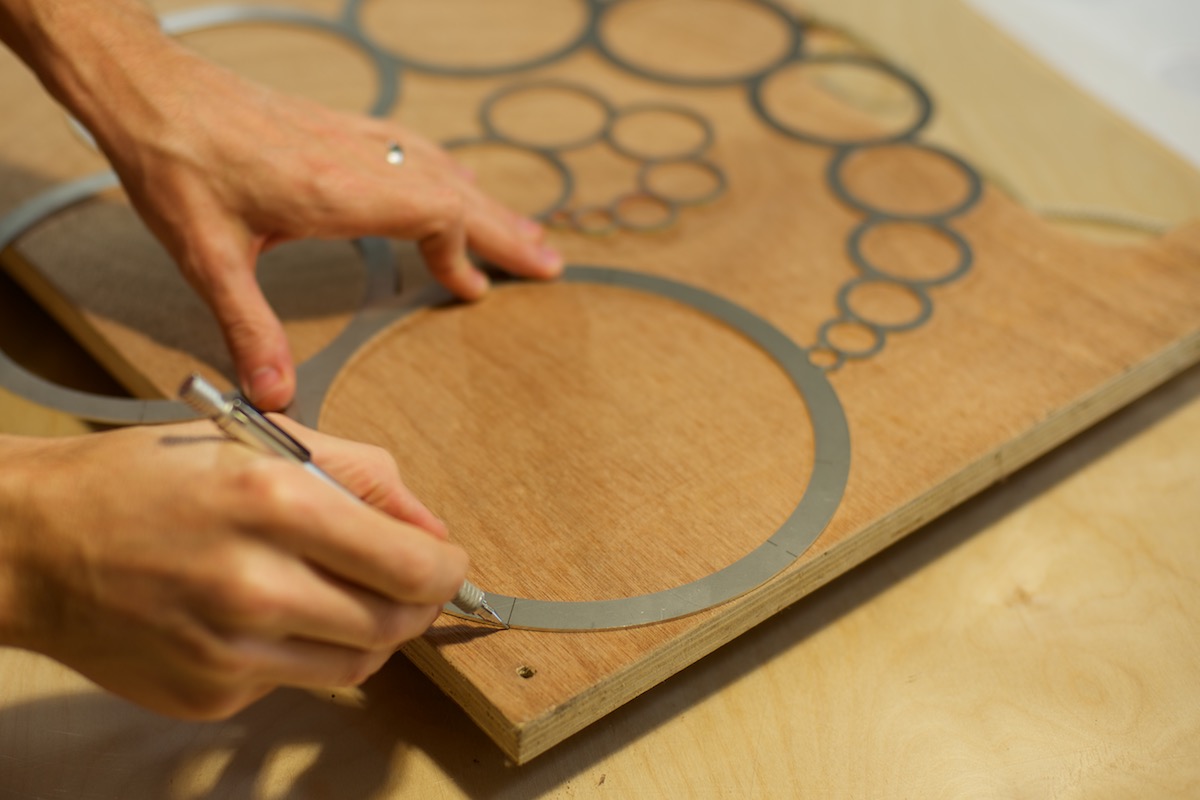
The open design of the WindFire Circle Tool never leaves you blind to your work.
Quickly radius all kinds of objects using all kinds of tools.
Find your centers.
WindFire Designs Circle Tool Model CTØ7 provides markings for bisection on each of the seven sizes. Mark the midway points, rotate a bit, and mark them again. X the lines to find center for any size.
Make custom templates and alignment guides for registering placement throughout your workflow.
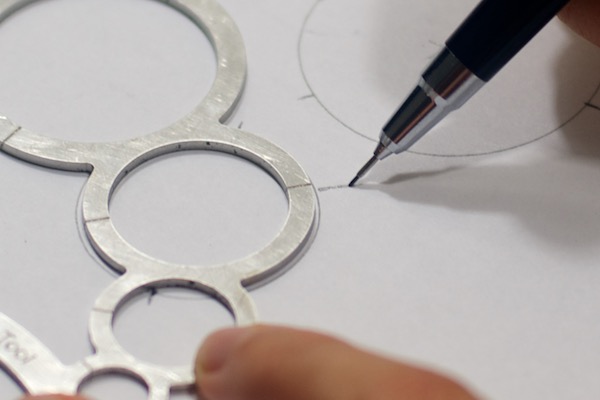
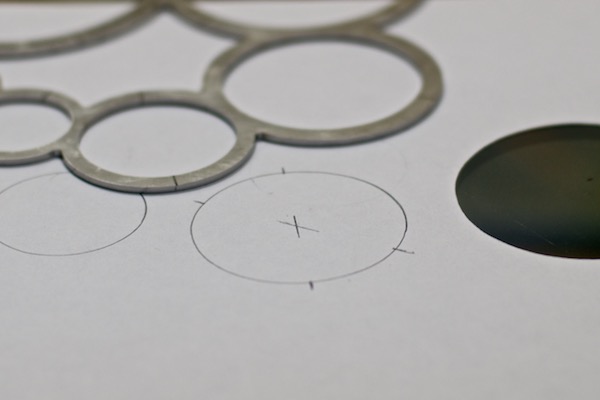
WindFire Designs Circle Tool Model CTØ11 includes markings for halves, quarters, and also thirds divisions.
On both models, a tool offset is built into every circle. Once a circle is drawn or cut, margins are visible on both the outer and inner edges of adjacent sizes.
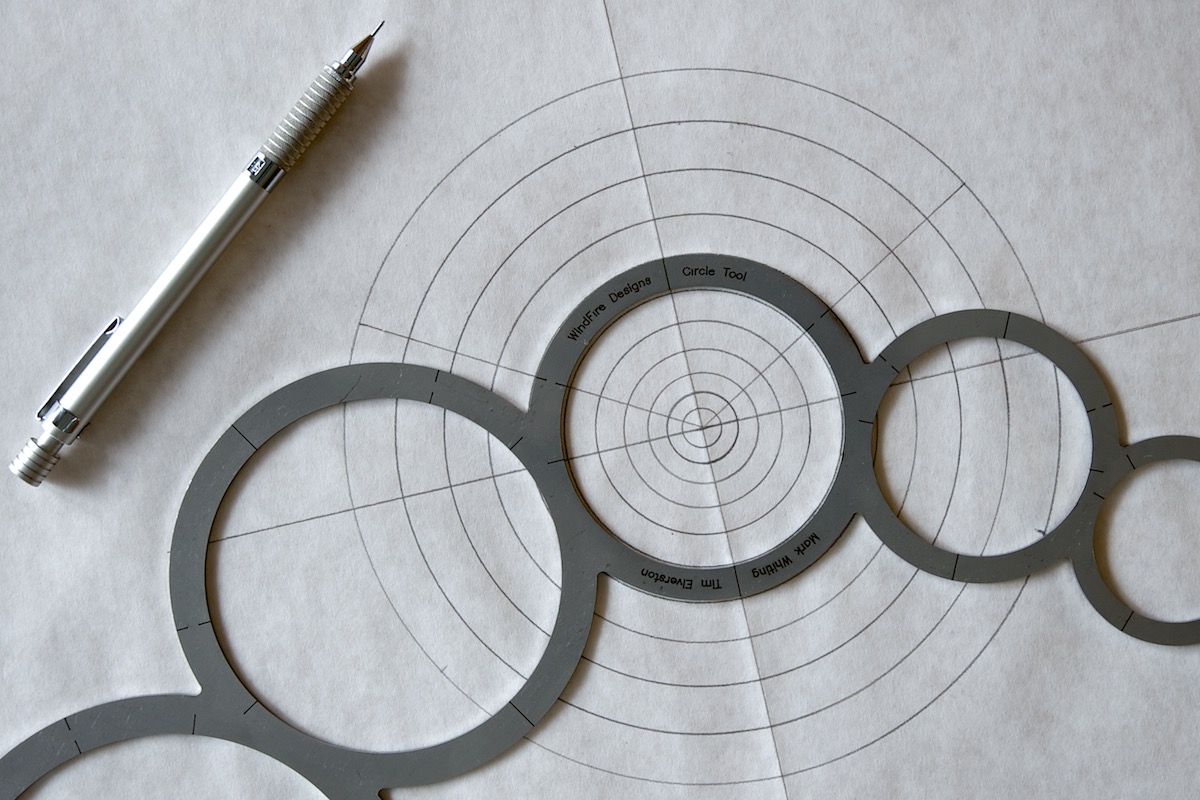
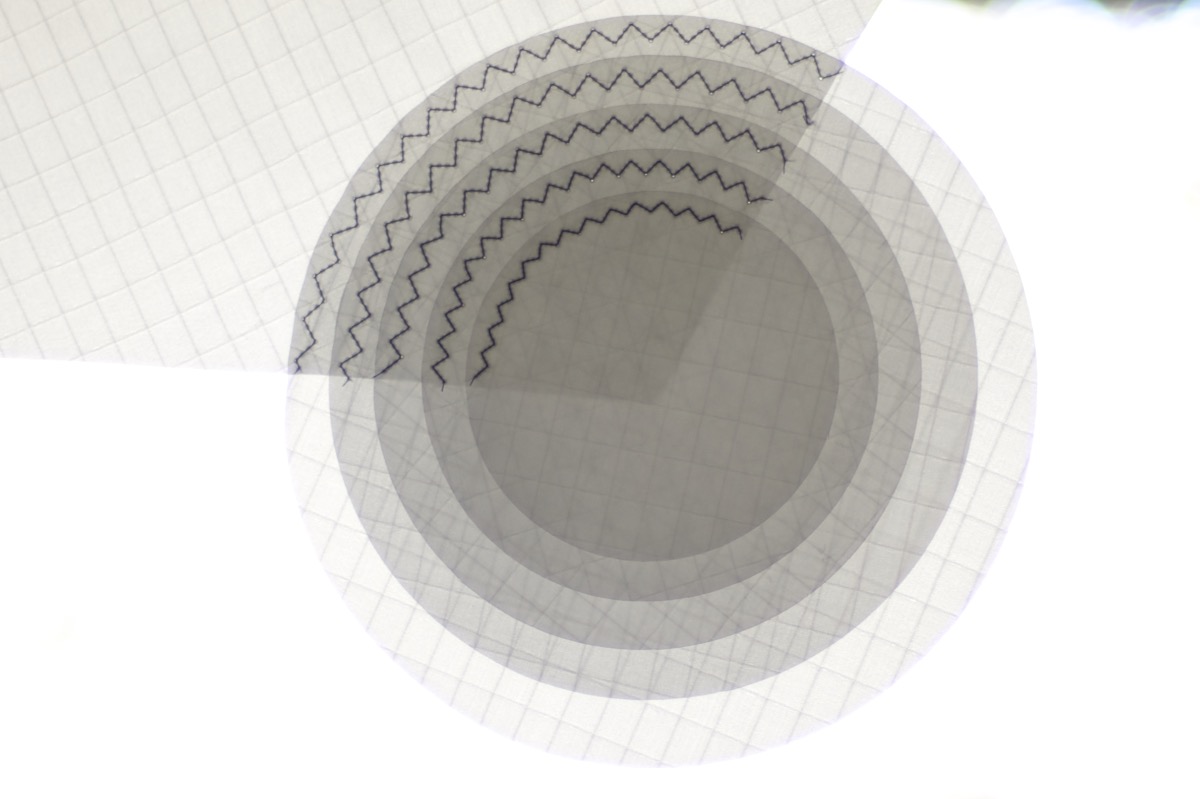
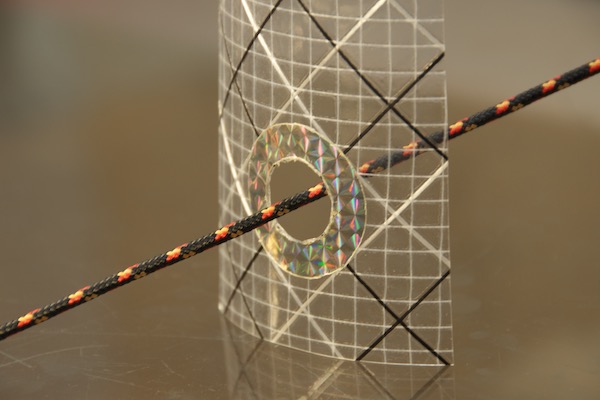
Use WindFire Designs Circle Tools behind translucent materials to align your work.
Visual centering is fast and consistent—perfect for working with adhesives.
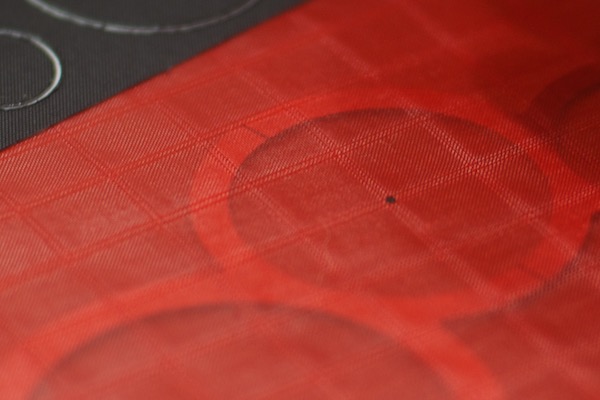
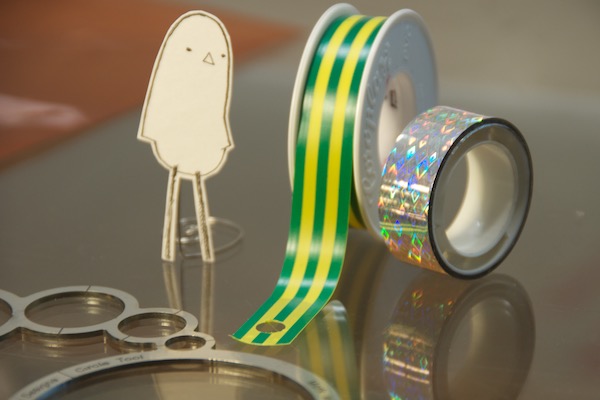
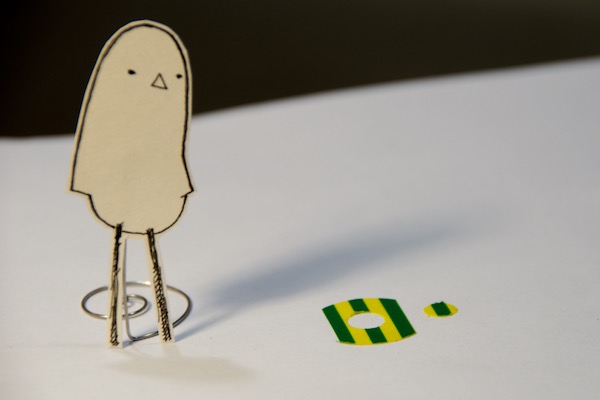
Lonely Bird approved.
Precision — large and small
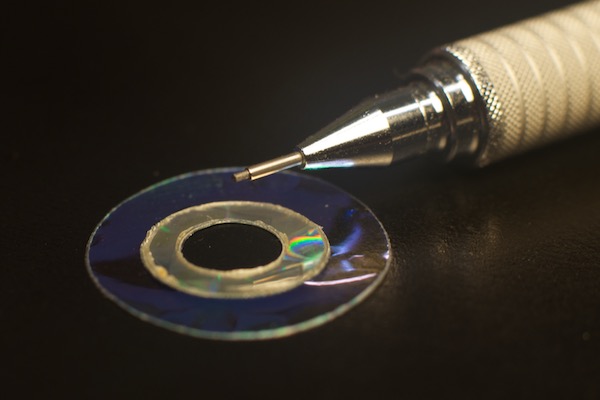
Choose your sizes.
Rather than progressions of arbitrary sizes based on metric or imperial units, WindFire Designs Circle Tools use a parametric rule set developed around studio utility.
We looked at the largest and the smallest sizes and allowed all the dimensions of the tools to form around the functions. The two models have two different sets of sizes designed to complement each other.
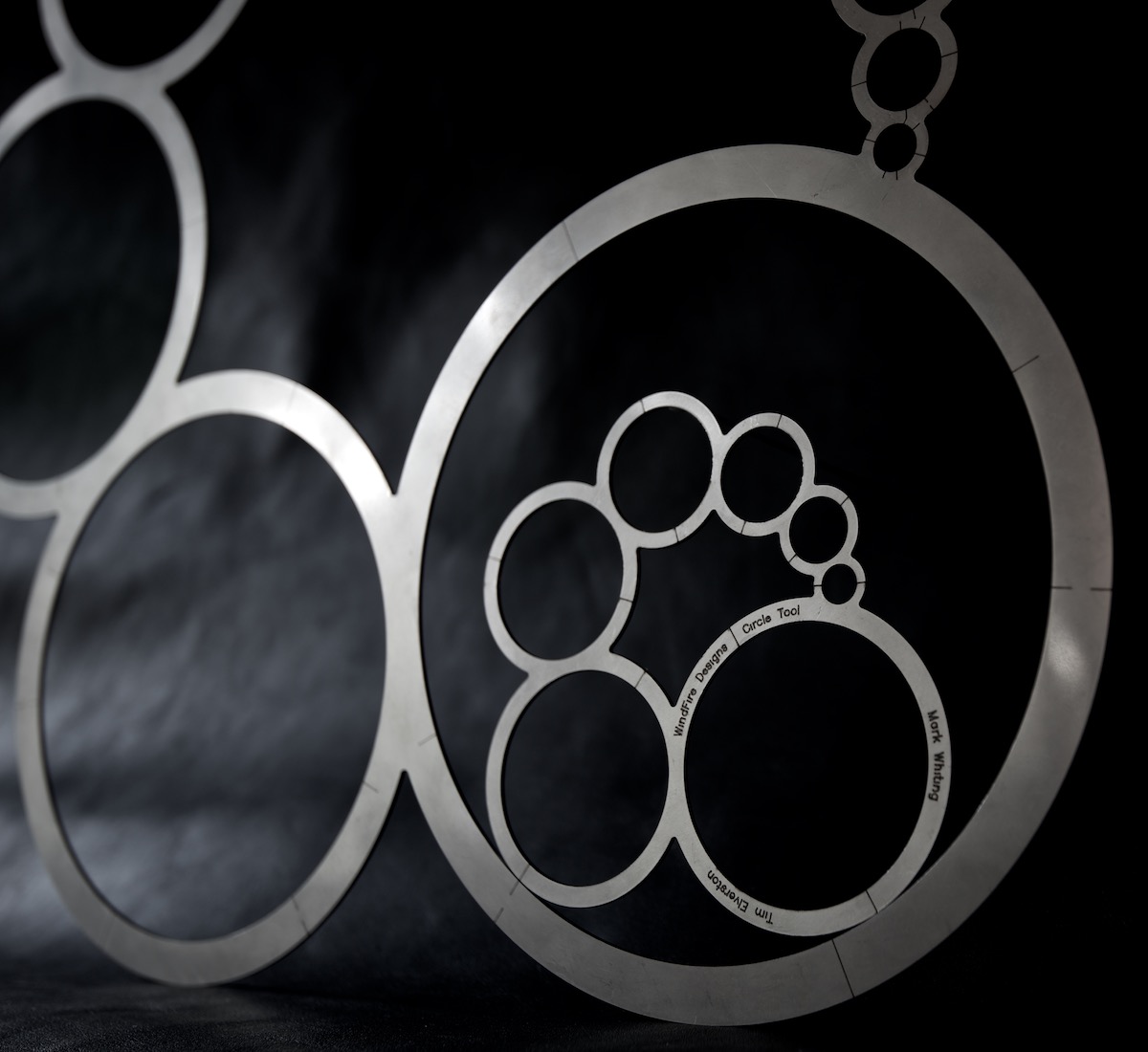
WindFire Designs Circle Tools — CTØ7 & CTØ11
Designed by Tim Elverston and Mark Whiting at WindFire Designs.
Finished by hand at WindFire Designs. Made from 304 stainless steel entirely in the USA.